Run A Farm guide
Run A Farm Eggs and Stand Guide
Keep Run A Farm egg sales moving: read bag and stand meters, transfer eggs at RESTOCK, follow price prompts and understand the spare-egg truck.
Quick answer
Use the BAG and STAND meters to diagnose the egg loop. Collecting supplies the bag; the RESTOCK pad transfers eggs into customer stock.
Keep eggs moving
Follow the current interface and read purchase prerequisites.
Collect and carry eggs
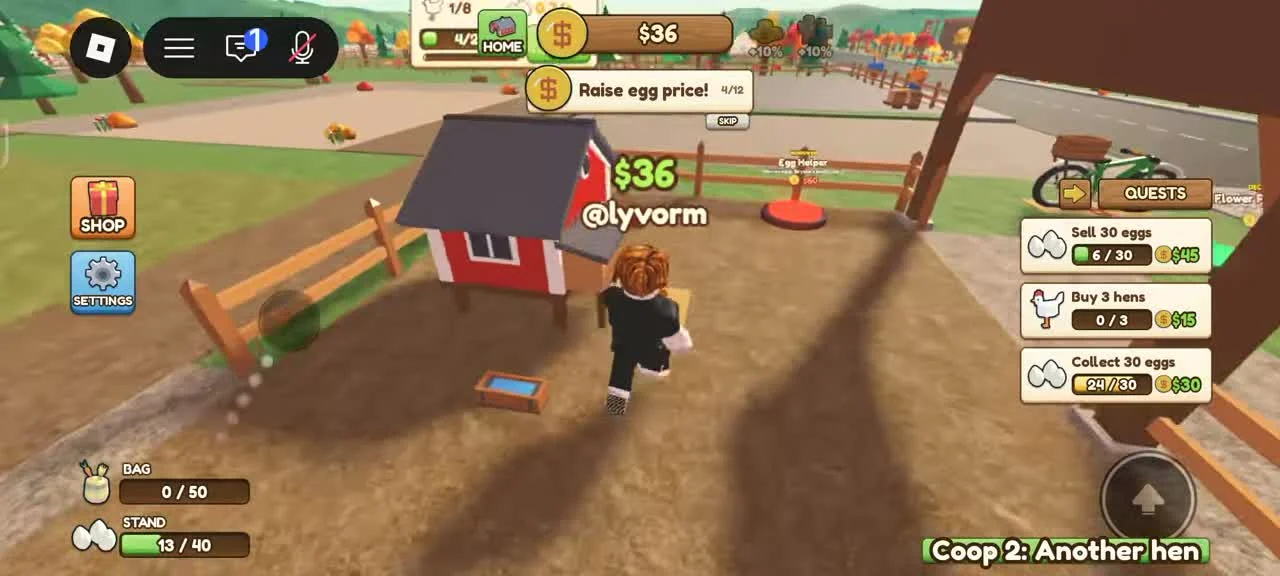
Move around the chicken coop and nesting area to gather available eggs. Watch the BAG count and its capacity before collecting more.
- Success check
- Egg pickups increase BAG stock until its displayed capacity is reached.
- If it remains unclear
- If you have eggs in your bag while the stand is empty, return to RESTOCK. More hens increase potential production, but they do not remove the need to move eggs.
Keep the stand supplied
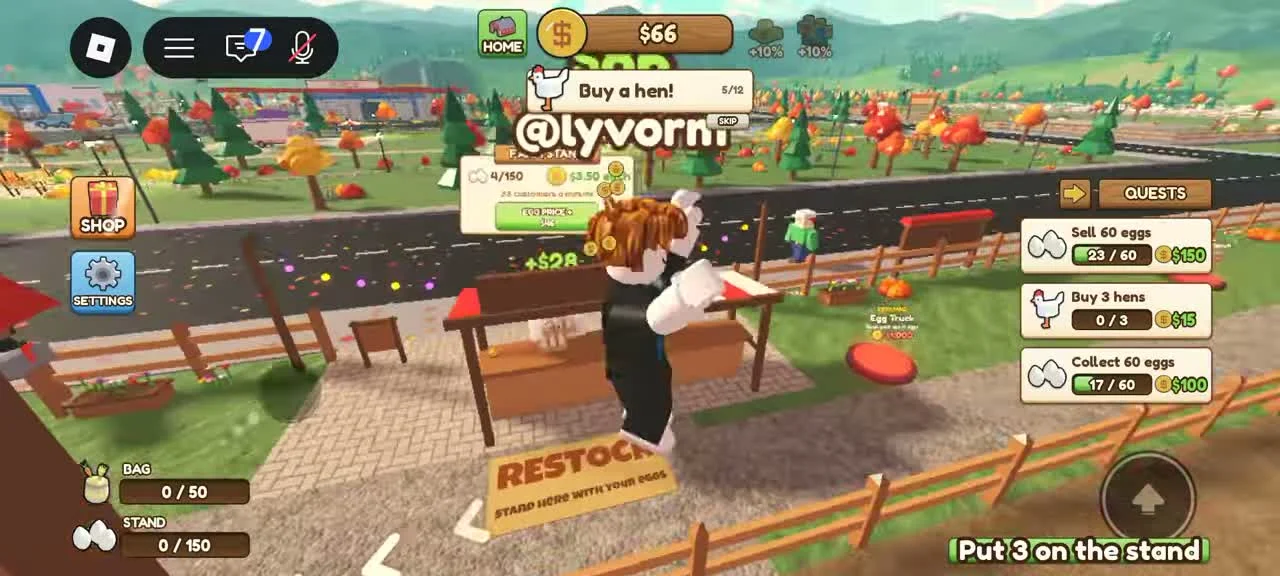
The wooden stand has a clearly marked RESTOCK ground pad. In the reviewed scene the player stands on it while the stand meter changes.
- Success check
- STAND stock increases after a transfer and falls when a customer buys eggs.
- If it remains unclear
- Wait for the transfer to finish and check stock. Customers consume stand inventory, so a stand can drain while you are working elsewhere. A Stocker can later carry eggs from nests to the stand.
Use the stand price control deliberately
The early tutorial explicitly asks the player to raise the egg price. Use the current stand interface when that prompt appears and confirm the selected value.
- Success check
- The stand shows the selected price and a later customer purchase changes stock or cash.
- If it remains unclear
- The footage does not establish a measured optimal price or a full demand curve. Compare actual sales and available stock after a change before deciding to raise it again.
Distinguish the Egg Truck from the stand
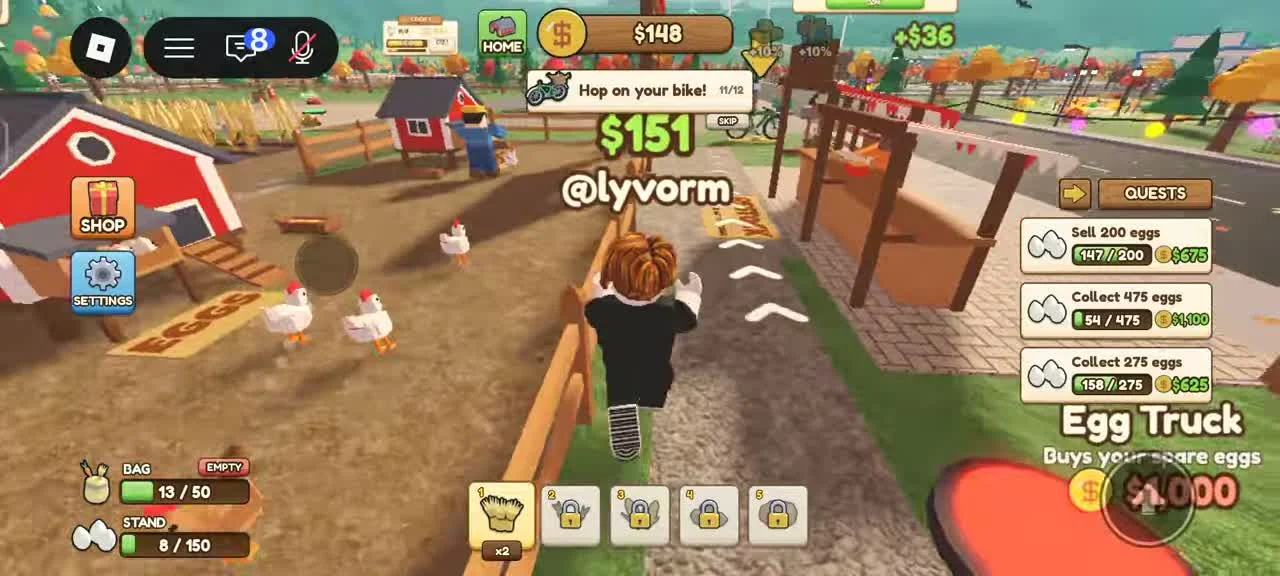
A purchase pad labeled Egg Truck says it buys your spare eggs. That purpose differs from filling the customer stand.
- Success check
- The unlocked outlet matches the Egg Truck label and its spare-egg purpose.
- If it remains unclear
- Read the current unlock cost and selling behavior before buying it. Do not assume it unlocks wheat deliveries, a tractor or universal automatic selling.
Why have egg sales stopped?
Compare the BAG and STAND meters using the diagnostic table.
- Success check
- The table identifies whether collection, transfer or customer sales need attention.
- If it remains unclear
- Observe another complete collection, restock and sale cycle before expanding.
On small screens, swipe the table to compare all columns.
What you see Next action Check the result BAG has eggs; STAND is empty Walk onto the RESTOCK pad and finish transferring. BAG falls and STAND stock rises. BAG is full Transfer carried eggs before collecting more. There is bag capacity for the next pickup. STAND has stock; sales pause briefly Observe customer visits and your selected price before expanding. Wait for another purchase and compare the cash or stock change. Eggs remain near nests while the stand drains Carry another load, or inspect a hired Stocker and its route. Eggs reach the stand through a completed trip.
Scope and sources
Official description and reviewed gameplay checked November 5, 2026.
- For Run A Farm! by Farm CStudios. Recorded prices and interface details may change; read your current purchase prompt.